
Batteries and charging
For PDAs, tablets, handheld barcode scanners and mobile printers 
/ The key points to remember
Charge as needed, avoid unnecessary heat and use the correct charging equipment. Store spare batteries partially charged. Stop using batteries if they are damaged or show signs of a fault, and dispose of end-of-life batteries separately.
/ Which batteries this advice applies to
This guide applies to Li-ion and Li-ion polymer batteries. Both are rechargeable batteries that store chemical energy and supply power to the device. Li-ion polymer is a variant of lithium-ion technology. The basic battery care advice is the same.
/ Charge during breaks
 You do not need to wait until the battery is empty. Li-ion batteries do not need to be fully discharged to be “trained”. Repeated full discharges cause additional wear. Charge to the level needed for the working day, and use a charge limit, if available, as instructed in the manual.
Use approximately 20–80% as a simple rule of thumb for everyday use, when operations allow. This limits deep discharges and extended periods at full charge and can reduce wear. Charge to 100% when work requires it; this is not in itself overcharging. Always follow the manual, and avoid leaving a fully charged device in a warm dock for long periods.
/ Use a suitable and safe charging area
- Use a charger designed for the model.
- Check that the charger and contacts are free of dust and dirt.
- Check the battery, cable and connectors for damage.
- Do not cover the battery or charger. Keep them away from flammable materials and keep escape routes clear.
- Charge where someone can respond to abnormal heat, smoke, fumes or unusual noises. The Danish Emergency Management Agency recommends at least one working smoke alarm in the room.
/ Watch the temperature
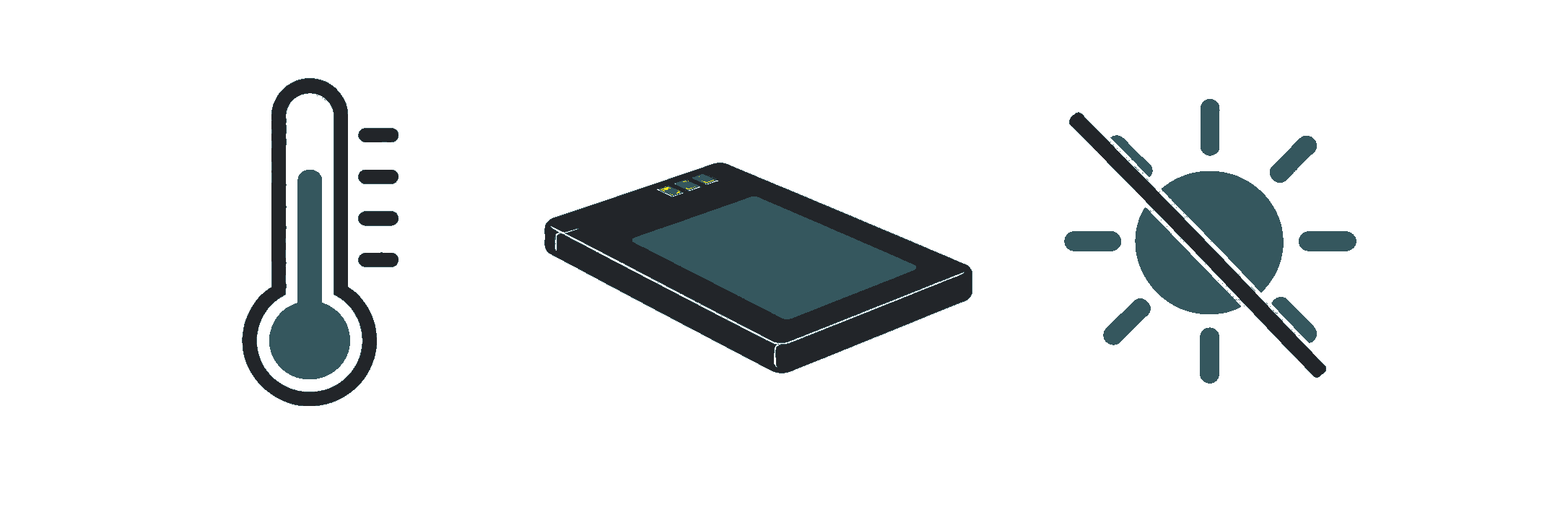
Avoid direct sunlight and heat sources. Allow cold devices to warm up naturally, and follow the manual’s instructions on condensation. Temperatures permitted during use are not necessarily permitted during charging. Charging at too low a temperature can cause permanent damage.
/ Service life and storage
Good care reduces wear, but batteries still age

/ Why batteries deteriorate
Batteries deteriorate both through use and over time. The materials inside the cell change, so the battery can store less energy and may find it harder to deliver power under load. Heat, deep discharges and long periods at a high state of charge can increase wear.
/ 100% does not mean the battery is as good as new
The battery percentage shows the estimated state of charge, not the health of the battery. A worn battery may show 100% but still have a shorter runtime than a new one. Calibrating the percentage display cannot restore capacity lost through chemical degradation.
/ A charge is not always a full cycle
Two periods of use, each consuming approximately 50% of the battery’s capacity, are roughly equivalent to one full cycle. Connecting the charger does not therefore automatically count as a full cycle. However, the device’s own counter may use a different definition.
/ When storing a battery
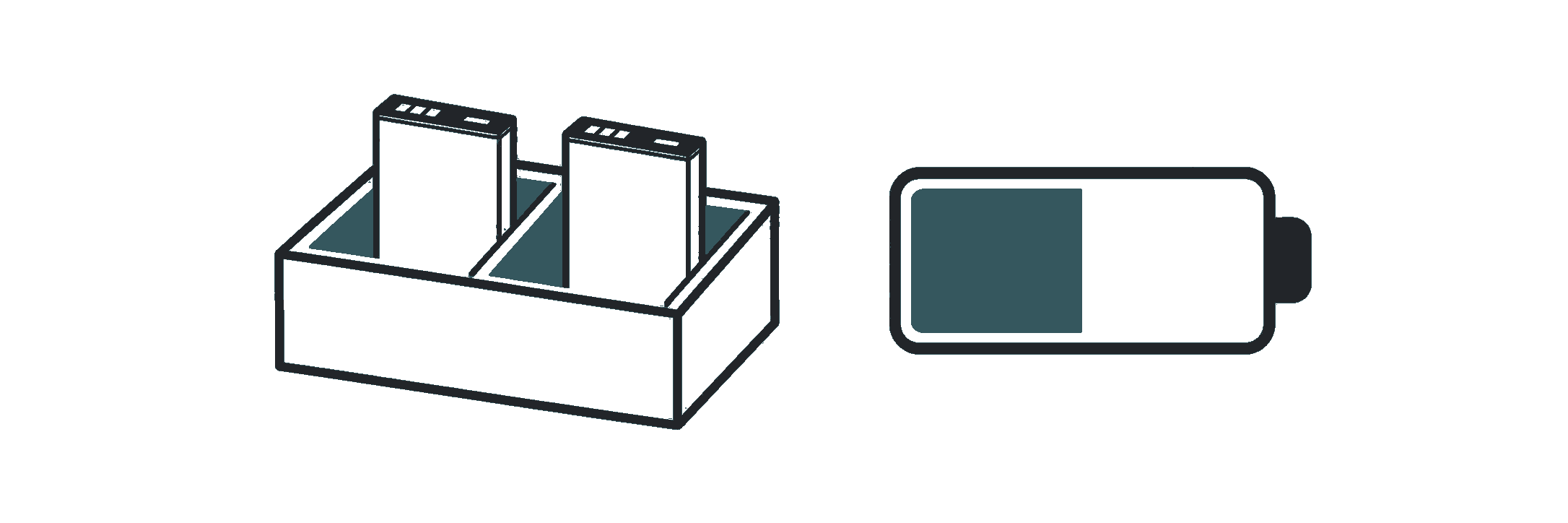
Store the battery in a dry place, out of direct sunlight and at a moderate temperature. A charge level of approximately 40–50% is a practical rule of thumb for longer storage, but manufacturers’ advice varies. Zebra, for example, specifies 30–50%. Always follow the instructions for the particular battery model.
- Switch off the device and use a storage mode, if available, as instructed in the manual. Only remove the battery as instructed.
- Check the charge level and look for visible damage at the intervals recommended by the manufacturer. Recharge as needed so the battery is not left empty for long periods.
- Protect the contacts of loose batteries from metal objects. Avoid dropping or crushing batteries, and keep them away from moisture.
/ Short runtime can have other causes
Cold conditions, high screen brightness, apps, poor network coverage and frequent printing can increase power consumption or reduce runtime. Compare performance under similar working conditions. Report recurring problems to IT or the service team before concluding that the battery is worn out.
/ Faults and replacement
Respond to damage and ensure proper disposal

/ When the battery no longer lasts the working day
Report short runtime, repeated shutdowns or battery warnings to IT or the service team. They can check the equipment and settings and assess whether replacement is needed. No single number of years or cycles applies to all models.
/ Stop if the battery is swollen or damaged
Stop using and charging the battery if it is swollen, leaking, deformed or otherwise damaged. Damage caused by an impact or a fall may be invisible. Contact the service team if you suspect damage. Do not force the battery back into the device or try to open or puncture it. Have a qualified professional assess how to remove it safely.
/ In the event of smoke or intense heat
Leave the area if there is smoke, fumes or intense abnormal heat, and warn others. Avoid breathing in the smoke. Follow your workplace’s emergency procedures and call 112 in the event of fire or immediate danger. Do not try to move the device if doing so would put you at risk.
/ Dispose of batteries separately
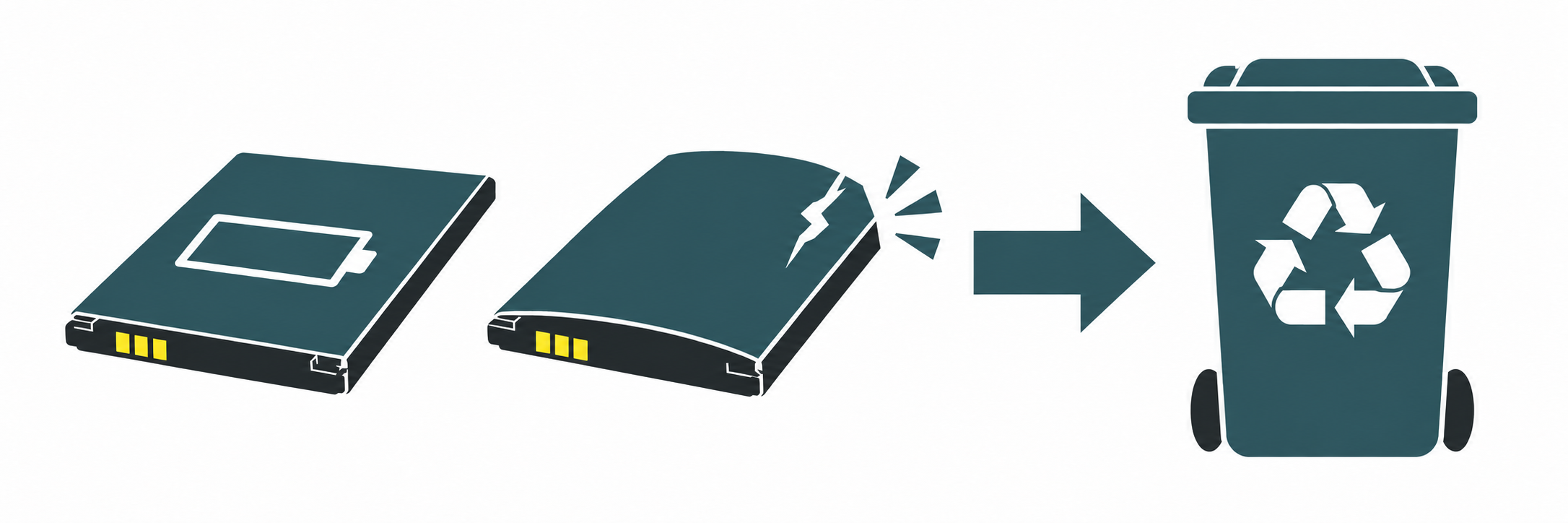
End-of-life batteries must be collected separately and must not be placed in general waste. Use your company’s battery collection scheme. If the battery cannot be safely removed as instructed in the manual, dispose of the entire end-of-life device as electronic waste, following the recipient’s instructions.
Arrange the handover of damaged batteries with the recipient in advance. Return shipments may be subject to dangerous goods regulations. Have the person responsible for transport in your company clarify the packaging and shipping requirements.
/ Always follow the DEVICE manual
This short guide provides general advice. The manual specifies the exact temperature limits, suitable chargers and the procedure for replacing the battery. The charging and storage recommendations in this guide are not legal requirements, but simply our advice on extending battery life.